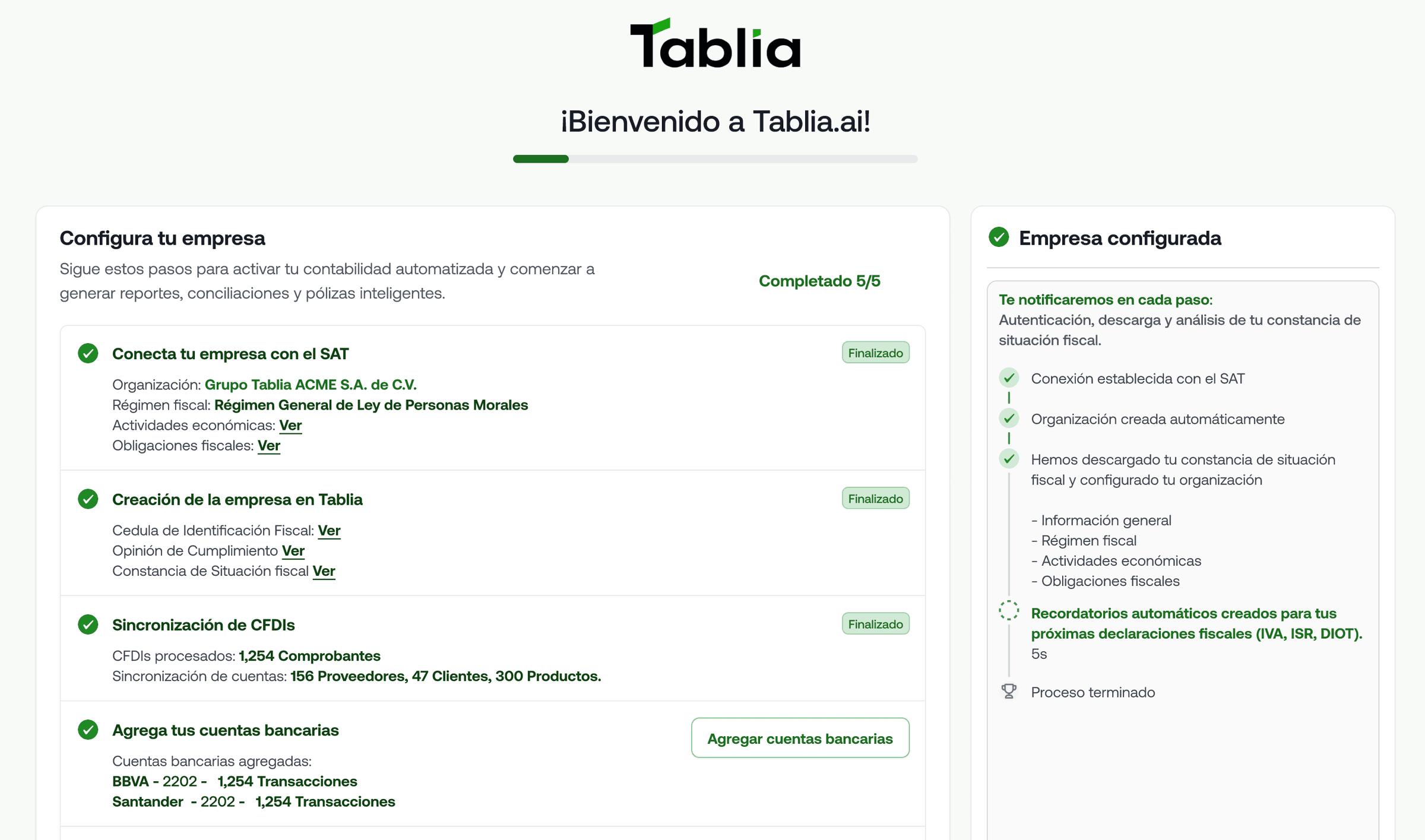

From 40 hours a month to 4 hours: the real transformation
Imagine that every month, instead of spending entire days downloading XMLs, entering invoices, and generating journal entries, you only needed 4 hours to review and approve what the system had already processed automatically. This isn’t a futuristic promise; it’s what companies that have automated their accounting with Tablia experience.
Before and after: what your accounting life used to look like
Before Tablia**:**
- Start of the month: 4 hours downloading XMLs from the SAT one by one
- Manual entry: 8 hours entering invoice data into Excel or an accounting system
- Classification: 6 hours assigning accounting accounts and cost centers
- Journal entries: 4 hours creating accounting records manually
- Reconciliation: 8 hours matching bank movements with invoices
- Reports: 4 hours assembling financial statements
- Total: 34 hours per month of purely operational work
After Tablia**:**
- Automatic download: 0 hours (it runs on its own every night)
- Intelligent capture: 0 hours (OCR and automatic processing)
- Automatic classification: 1 hour of review and adjustments
- Automatic journal entries: 0 hours (generated automatically)
- Intelligent reconciliation: 1 hour of validation
- Real-time reports: 0 hours (always up to date)
- Total: 2 hours per month of strategic oversight
Intelligent agents: your digital employees that never rest
SAT Download Agent: Automatically connects to the SAT portal every night to download all new invoices. It never forgets, never gets tired, and never makes data-entry errors.
OCR Processing Agent: Automatically reads every PDF invoice, extracts all the relevant tax data, and structures it for processing. It recognizes patterns, learns from corrections, and continuously improves.
Accounting Classification Agent: Automatically assigns accounting accounts based on the company’s history, the type of supplier, and the configured accounting rules. It learns from every correction you make.
Bank Reconciliation Agent: Automatically matches bank movements with their corresponding invoices, identifying discrepancies and suggesting corrections.
Tax Alerts Agent: Monitors obligation deadlines, certificate validity, and filing compliance. It warns you before it becomes a problem.
Full automation of the accounting workflow
Invoices Received:
- Automatic download from the SAT
- OCR processing to extract data
- Automatic tax validation
- Intelligent accounting classification
- Automatic journal entry generation
- Real-time balance updates
Invoices Issued:
- Integration with sales systems
- Automatic CFDI generation
- Automatic delivery by email
- Simultaneous accounting record
- Accounts receivable update
Bank Reconciliation:
- Automatic download of bank movements
- Intelligent matching with invoices
- Identification of differences
- Accounting adjustment suggestions
- Generation of reconciliation reports
Notifications and alerts that prevent problems
Tax Alerts:
- CSD expiration (60, 30, 15 days in advance)
- Pending monthly filings
- Invoices unreconciled for more than 30 days
- Bank movements without documentation
Operational Alerts:
- Duplicate invoices detected
- Discrepancies in bank reconciliation
- New suppliers without classification
- Errors in tax validation
Strategic Alerts:
- Cash flow analysis
- Significant variations in expenses
- Tax optimization opportunities
- Accounts receivable trends
How human work is minimized without losing control
Full control with minimal supervision: Tablia processes automatically but always shows you what it’s doing and why. You can review, adjust, and approve every decision.
Continuous learning: Every correction you make teaches the system. Over time, manual adjustments shrink because the system learns your specific preferences.
Absolute transparency: Every automated process is recorded with a timestamp and justification. You know exactly what happened with each document.
Intervention when you need it: For complex or unusual cases, the system alerts you so you can make manual decisions. Intelligent automation, not blind automation.
Real use case: Construction materials distributor
Before: 150 invoices per month, 25 hours of accounting work, constant classification errors, reports delayed by 15 days.
After: The same 150 invoices processed automatically, 3 hours of monthly supervision, 99.2% classification accuracy, reports updated in real time.
Result: The accountant now focuses on tax analysis and strategic planning instead of data entry.
Tablia doesn’t replace your accountant; it empowers them
Your accountant is still essential, but now they can devote their time to high-value activities: financial analysis, tax planning, strategic advisory. Meanwhile, Tablia takes care of the repetitive work that used to consume 90% of their time.
Automation isn’t the future; it’s the present for companies that want to grow efficiently.
The CSD is the document that determines whether or not you can legally issue invoices
If you have a company in Mexico, there’s a digital file that determines whether you can issue electronic invoices or whether your business grinds to a halt: the Certificado de Sello Digital (Digital Seal Certificate, or CSD). Thousands of companies have lost days of operation for not understanding its importance or for letting it expire.
What exactly is the CSD?
The Certificado de Sello Digital is a cryptographic file that the SAT grants to individuals and legal entities to digitally sign their Comprobantes Fiscales Digitales por Internet (CFDI). It is, literally, your digital signature before the tax authority.
Key difference from the FIEL: While the FIEL lets you carry out tax procedures as a person, the CSD is specifically for signing invoices as a company. They are not interchangeable.
Why it’s mandatory to issue invoices electronically
Since 2014, all invoices in Mexico must be electronic and digitally signed. Without a valid CSD, you cannot:
- Issue invoices that are valid for tax purposes
- Comply with SAT obligations
- Deduct business expenses
- Participate in government tenders
- Maintain formal business relationships
Your CSD is the digital equivalent of your handwritten signature on every invoice you issue.
The real risks of not renewing it on time
Immediate operational shutdown: The day your CSD expires, you cannot issue invoices. There is no extension or grace period. Your company stops until you renew.
Loss of tax deductions: Invoices signed with an expired CSD are not valid for tax purposes. You lose the ability to deduct those expenses.
Problems with corporate clients: Large companies automatically verify CSD validity. If yours is expired, they can reject your invoice and cancel purchase orders.
SAT penalties: Operating without a valid CSD can generate fines ranging from $1,500 to $34,000 pesos, depending on the infraction.
How to connect your CSD with tools like Tablia
Step 1: Make sure you have both the .cer file (public certificate) and the .key file (private key) along with the corresponding password.
Step 2: Check the expiration date. CSDs are valid for 4 years, but it’s advisable to renew 30 days in advance.
Step 3: Connect your CSD with your invoicing system. Tools like Tablia automatically validate its validity and alert you before it expires.
Step 4: Set up automatic renewal alerts. Don’t rely on your memory; let the system notify you when 60, 30, and 15 days remain before expiration.
Common myths about the CSD you should know
Myth 1: “My accountant handles my CSD, I don’t need to know about it” Reality: If your accountant resigns or makes a mistake, your company grinds to a halt. You must have direct control over your CSD.
Myth 2: “I can use another company’s CSD temporarily” Reality: This is illegal and can generate serious fines. Each company must use exclusively its own CSD.
Myth 3: “If it expires, I can keep issuing invoices for a few more days” Reality: There is no grace period. Expiration is immediate and absolute.
Checklist to keep your CSD always up to date
✅ Know the exact expiration date of your current CSD
✅ Set up automatic renewal alerts
✅ Keep secure backups of your .cer and .key files
✅ Document the password in a safe place
✅ Verify that your invoicing system automatically validates its validity
✅ Renew at least 30 days in advance
✅ Test the new CSD before the previous one expires
Tablia and intelligent CSD management
Tablia automatically monitors the validity of your CSD and alerts you before it expires. In addition, it validates every invoice to ensure it is signed correctly and is valid before the SAT.
It not only automates your accounting; it also protects your company’s operational continuity.